The Automated Movie Feature in Sentinel OS
Reviewed by Aaron Landreth, Head of Sales, Asia Pacific
How the automated movie feature in Sentinel OS turns your site's timelapse photos into finished progress videos, with no editing required, and the best ways to use them.
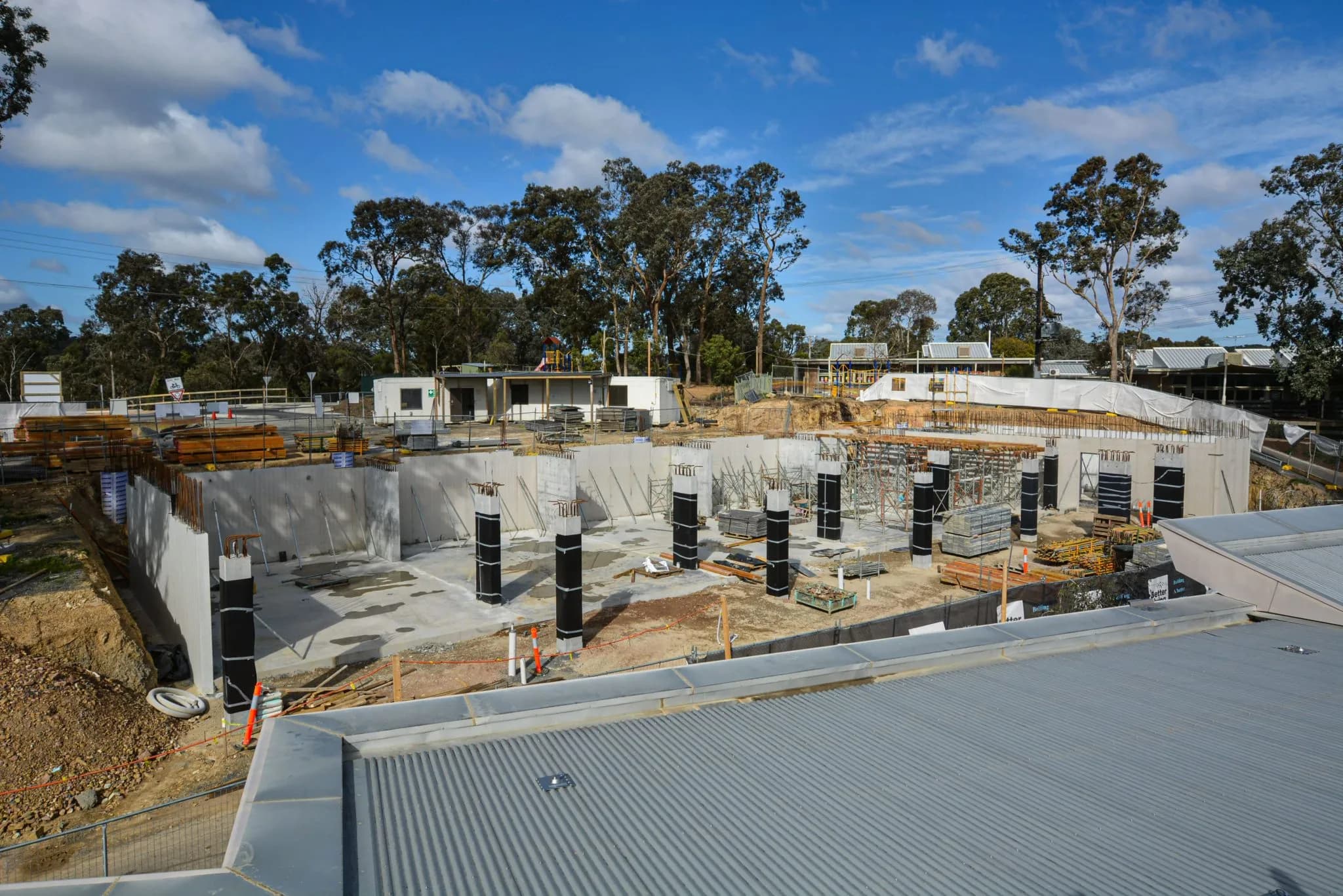
Not every project manager has a post-production team on standby. Yet a good timelapse video is one of the most effective ways to report progress and show off finished work. That gap is exactly what the automated movie feature in Sentinel OS is built to close.
Sentinel OS takes the photos your camera captures and assembles them into a finished progress video for you. The process is automated, so you get a polished result without spending time editing it yourself. Below is what the feature does, followed by some practical ways to put the videos to use.
What the automated movie feature does
Sentinel OS applies five steps to turn a set of raw site photos into a clean, watchable video:
- Best image selection. The software identifies and selects the strongest photos, so the finished video is built from your clearest frames.
- Image enhancement. Each image is adjusted for clarity and appearance, so the footage looks its best.
- Stabilisation. Small variations in camera position between shots are corrected, so the frame holds steady.
- Deflicker. Brightness levels are evened out across photos, which removes the strobe effect that raw timelapse footage can have.
- Frame blending. Transitions between photos are smoothed, so the footage plays cleanly rather than jumping from frame to frame.
Progress videos covering 7-day, 30-day, and 90-day periods are ready to download whenever you need them. Sentinel OS also delivers a full project timelapse automatically, so a fresh video lands without anyone lifting a finger. Because it is all automated, none of your time goes into the edit.
How to use your progress videos
A good progress video is useful well beyond the site office. Here are three ways to get value from them.
Keep clients informed
Sharing videos that cover weekly, monthly, and quarterly periods keeps your reporting consistent and predictable, which clients appreciate. Regular updates build trust over the life of a project and answer the questions clients tend to ask before they ask them, including the honest ones about delays and why they happened. Transparency is what keeps a client relationship healthy.
Strengthen existing relationships
A sequenced project video makes a genuinely good handover gift. It celebrates a job done well and gives a client something to keep and share. Small gestures like this are part of how you earn the next project from clients you already have.
Market your work
Timelapse videos let you show prospective clients what you can do. People enjoy watching a build come together, and a well-made progress video is exactly the kind of content that performs on social media. Posting your project videos builds your profile, demonstrates your capability, and puts your work in front of people who may become clients.
Ready when you are
The automated movie feature is part of Sentinel OS, the software platform behind Buildcam cameras. If you would like to know more about how it fits into a full construction camera system, get in touch with our team, or refer to our pricing page for a full breakdown of our pricing.